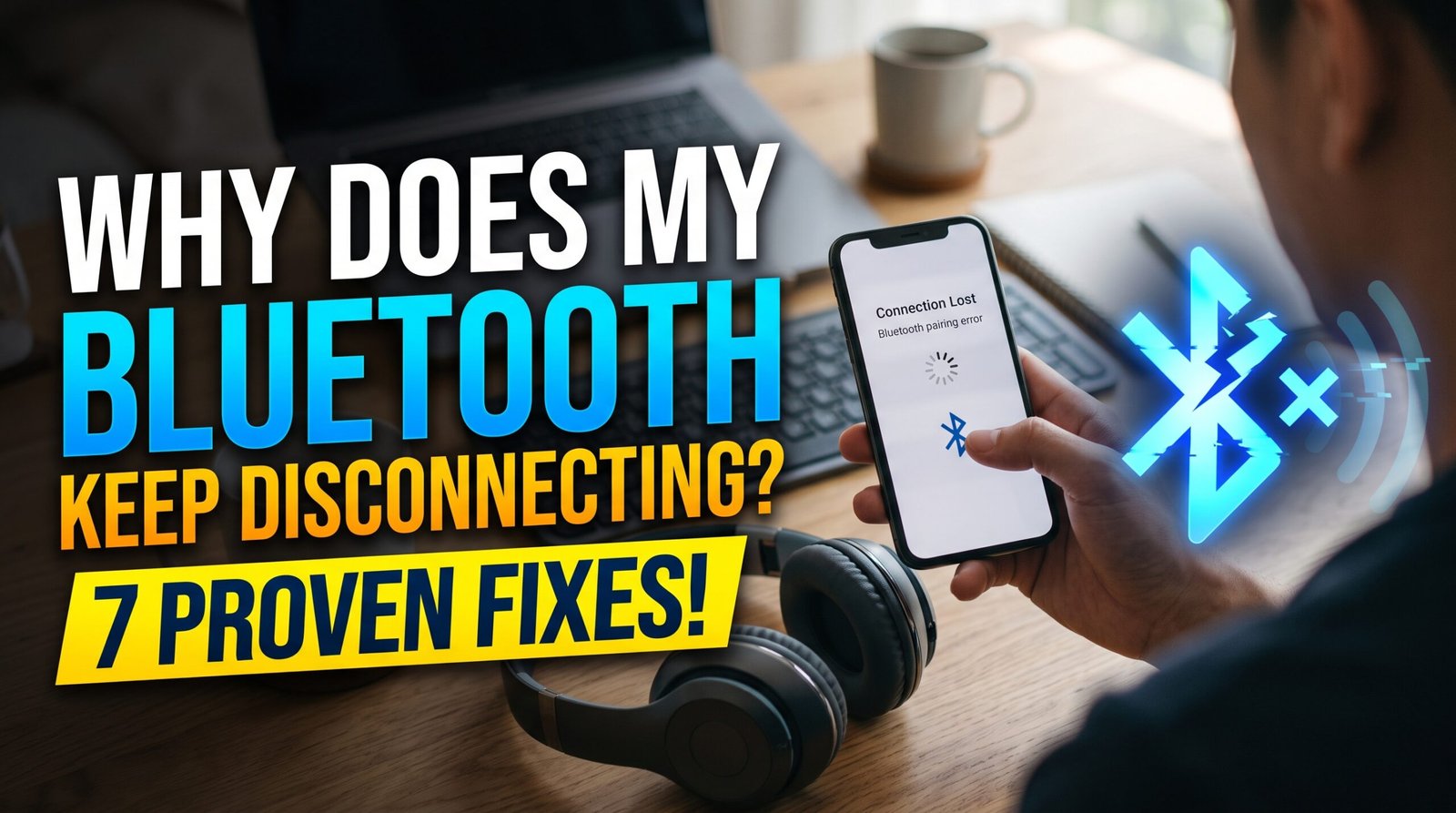
Why Does My Bluetooth Keep Disconnecting? 7 Proven Fixes
Why does my Bluetooth keep disconnecting was the question I kept asking myself mid-song, watching my earbuds cut out for a split second every few minutes, just enough to be genuinely annoying without fully explaining itself. After dealing with this across different devices, I found this is one of those problems where the cause is almost always something specific and fixable, rather than a sign your earbuds or phone are failing.
Here’s what’s actually behind it.
Low Battery on the Bluetooth Device
This is, by a wide margin, the most common reason why does my Bluetooth keep disconnecting, and it’s often overlooked because the device doesn’t always clearly warn you before power gets critically low. As battery levels drop, many Bluetooth accessories struggle to maintain a stable connection, causing intermittent dropouts before eventually disconnecting entirely.
Fix: Check the battery level of your Bluetooth device, whether earbuds, headphones, or a speaker, and charge it fully before assuming a deeper connection issue is at play.
Too Much Distance Between Devices
Bluetooth has a limited effective range, typically around 30 feet under ideal conditions, but this range shrinks significantly with walls, furniture, or other physical obstacles between your phone and the connected device. This is a frequent answer to why does my Bluetooth keep disconnecting, especially when moving between rooms.
Fix: Keep your phone within closer range of the connected device, particularly in homes with thick walls or multiple floors between rooms.
Interference From Other Wireless Devices
Bluetooth operates on a frequency that can experience interference from WiFi routers, microwaves, and other Bluetooth devices operating nearby simultaneously. This is a commonly overlooked reason why does my Bluetooth keep disconnecting, particularly in homes with many connected smart devices competing for the same wireless spectrum.
Fix: Try moving away from other active wireless devices, or temporarily disconnect unused Bluetooth accessories that might be causing unnecessary interference.
Outdated Bluetooth Drivers or Firmware
Both your phone’s Bluetooth software and the connected accessory’s firmware can become outdated over time, leading to compatibility issues that cause intermittent disconnections. This is a genuine contributor to why does my Bluetooth keep disconnecting that many people never think to check.
Fix: Check for pending software updates on your phone, and separately check if your Bluetooth accessory’s manufacturer offers a firmware update through their companion app.
Too Many Devices Paired Simultaneously
If multiple Bluetooth devices are paired and trying to connect to your phone at the same time, this can cause conflicts, with your phone struggling to maintain stable connections to all of them simultaneously.
Fix: Go into your Bluetooth settings and remove or “forget” devices you no longer actively use, keeping only your current accessories paired.
If your phone’s overall performance feels affected too, our guide on why is my phone storage full covers related maintenance issues.
A Corrupted Bluetooth Cache on Your Phone
Similar to app cache, your phone’s Bluetooth system can accumulate corrupted temporary data over time, leading to connection instability that doesn’t trace back to any specific accessory.
Fix: On Android, clearing the Bluetooth cache through settings (usually under Apps, then System Apps, then Bluetooth) often resolves persistent disconnection issues. On iPhone, toggling Bluetooth off and back on, or restarting the device, achieves a similar reset.
A Failing Bluetooth Component
If you’ve tried everything above and disconnections persist specifically with one device while working fine with others, the Bluetooth hardware in that particular accessory may genuinely be failing, especially in older earbuds or speakers that have seen heavy daily use.
What this looks like: Consistent disconnections isolated to one specific device, while other Bluetooth accessories connect and stay connected normally, points toward hardware wear rather than a phone-side issue.
Quick Diagnostic Order
- Check and charge the battery of your Bluetooth device
- Reduce distance and remove physical obstacles between devices
- Move away from other active wireless devices causing interference
- Update your phone’s software and check for accessory firmware updates
- Remove unused paired devices from your Bluetooth settings
- Clear your phone’s Bluetooth cache
- Test if disconnections are isolated to one specific device
Working through this list in order resolves why does my Bluetooth keep disconnecting for the vast majority of users without needing to replace their accessories.
Final Thoughts
Why does my Bluetooth keep disconnecting almost always comes down to something simple — low battery, distance, or interference — rather than a fundamentally broken device. Start with checking battery levels and reducing distance between devices, since these two factors resolve the issue for most people before any deeper troubleshooting becomes necessary.
For official Bluetooth troubleshooting guidance, Apple’s official support page offers helpful step-by-step resources.
FAQs
Q: Does forgetting and re-pairing a Bluetooth device actually help?
Yes, removing a device and pairing it again clears any corrupted connection data, which often resolves persistent disconnection issues that simpler fixes haven’t addressed.
Q: Can phone cases interfere with Bluetooth connectivity?
Thick cases, particularly ones with metal components, can occasionally weaken Bluetooth signal strength slightly, though this is a less common cause compared to distance or interference.
Q: How often should Bluetooth earbuds be fully charged?
Charging fully before each extended use session is a good habit, since low battery is one of the most frequent causes of intermittent disconnections.